By NOI Coworking Medellín on
5 tech products that make remote work easier
From the MacBook Pro with M6 to a height-adjustable desk: what each product brings to remote work, backed by manufacturer data and research.

Working remotely well comes down to a few pieces, and almost all of them sit around the computer: quiet, screen height, the desk and the connection. For each of these five products, there is a figure from its maker or from a study that shows what it does and what it doesn't. If one is missing at home, NOI, in Ciudad del Río, lets you work by the day with soundproof booths, ergonomic furniture and high-speed internet.
1. A latest-generation MacBook
The newest is the 14-inch MacBook Pro with the M6 chip, which Apple announced on October 27, 2026 and which starts reaching customers on November 6 in 35 countries and regions. Apple rates it at up to 24 hours of battery life on a single charge. It has Wi‑Fi 7, supports up to two external displays, and its 12-megapixel Center Stage camera keeps you framed on video calls.
For email, documents and video calls, the lightest option is the MacBook Air with M5: the 13-inch model weighs 1.23 kg (2.7 lb), Apple rates it at up to 18 hours of video playback, and it has the same 12-megapixel camera. On Apple's Colombian store, as of November 3, 2026, the 14-inch MacBook Pro is still listed with the M5 chip, not the M6. Before buying, it is worth checking which version is sold in your country.

Man working standing up on a MacBook Air at the NOI café counter. Illustrative image generated with artificial intelligence.
2. Active noise-cancelling headphones
They help you feel calmer, not necessarily remember more. In two lab experiments with 21 and 57 people exposed to open-plan office chatter, a team from the Fraunhofer Institute for Building Physics in Germany found no difference on a memory test between wearing headphones with noise cancelling on, with it off, or not wearing them at all. With noise cancelling on, people did rate their privacy and the room's noise more favorably.
The same study, published in 2022 in Frontiers in Built Environment, notes that background speech impairs working memory even at 35 decibels. To keep others from hearing your background noise, the Mac offers Voice Isolation, which prioritizes your voice and blocks ambient noise. Apple describes it for FaceTime calls on Mac models from 2018 and later.
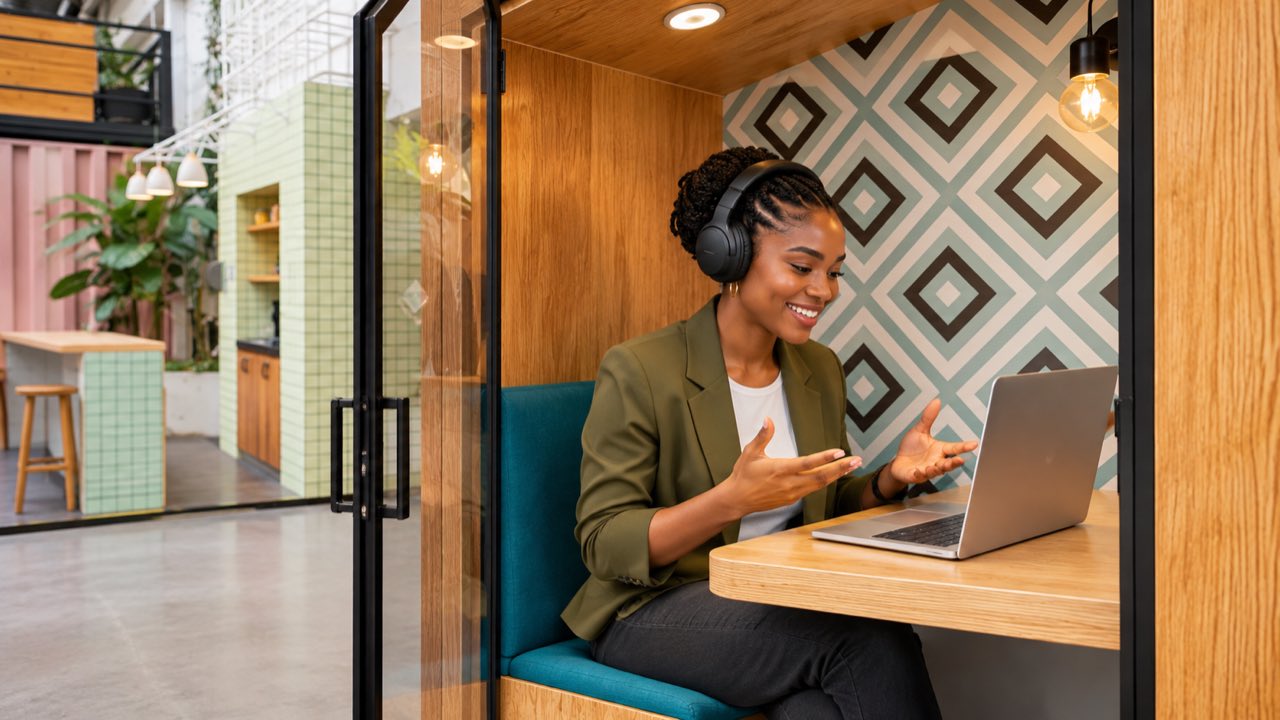
Woman on a video call with headphones inside a NOI soundproof booth. Illustrative image generated with artificial intelligence.
3. An external monitor at eye level
The US Occupational Safety and Health Administration recommends placing the monitor directly in front of you and at least 20 inches (about 50 centimeters) from your eyes. The top of the screen should be at or slightly below eye level. On a standard desk, a laptop screen usually sits lower than that; an external monitor, or a stand that raises the laptop paired with a separate keyboard and mouse, makes it possible to follow that guidance.
Current MacBooks are built to work this way. The MacBook Air with M5 and the MacBook Pro with M6 both support up to two external displays at once. The Pro also has an HDMI port alongside its Thunderbolt ports.
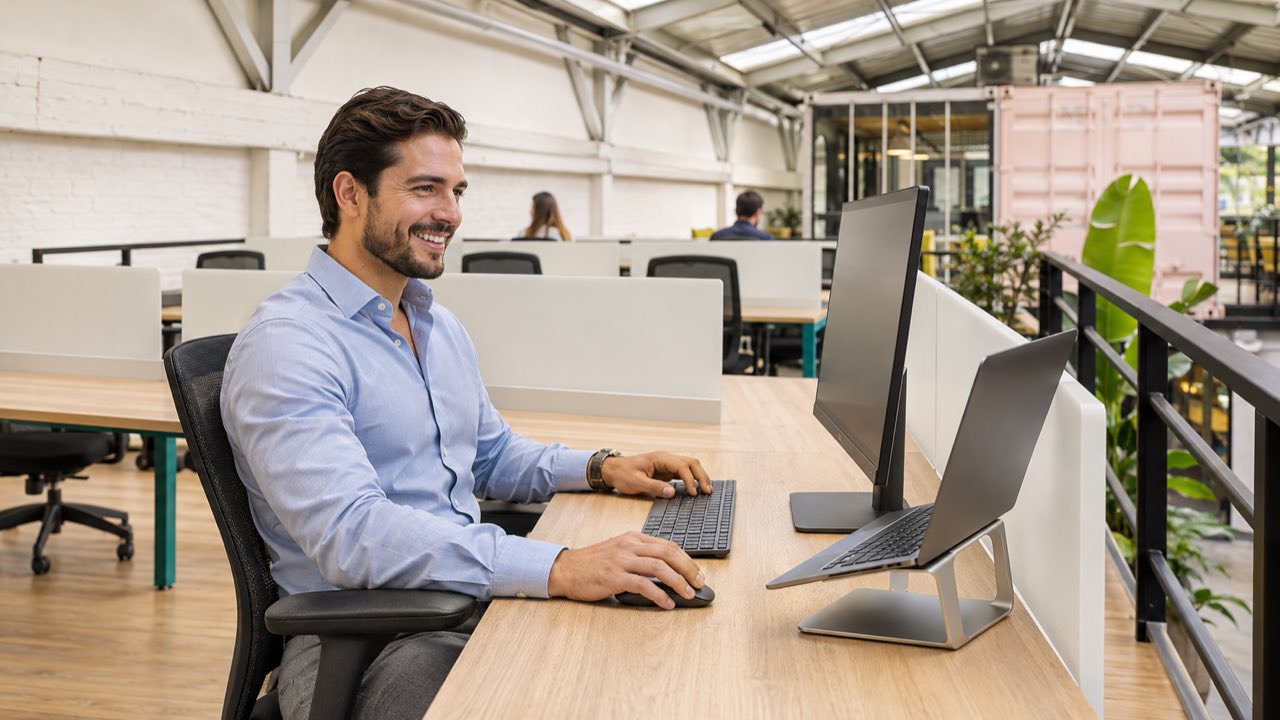
Man working with an external monitor at eye level and his MacBook on a stand. Illustrative image generated with artificial intelligence.
4. A height-adjustable desk
A 2018 Cochrane review of 34 studies with 3,397 participants from high-income countries found that people using sit-stand desks spent between 84 and 116 fewer minutes sitting during the workday than with a conventional desk. The quality of that evidence is very low, and the health benefits remain unproven. Nor were any harmful effects observed, such as muscle pain, varicose veins or lower productivity.
5. A connection that can handle video
Zoom recommends 3.8 megabits per second upload and 3.0 download for a one-on-one video call in 1080p, and 1.2 megabits each way for one in 720p. Upload speed matters on a video call too, because your own picture has to go out. Zoom automatically adjusts its bandwidth to the network, whether 4G, 5G, Wi‑Fi or a wired connection.
What if something on this list is missing at home?
You don't need to buy all of them to have a good workday. NOI, in Ciudad del Río, has soundproof booths for calls, ergonomic furniture and high-speed internet, and it is open 24/7. You can come only on the days you need with a coworking ticket pass, and the only thing you need to bring is your laptop.